Why your cat sits on your laptop
A laptop combines warmth, height, familiar scent and the centre of a person's attention. Offer a safer nearby place and protect the cat, device and electrical cables rather than turning removal into a game.
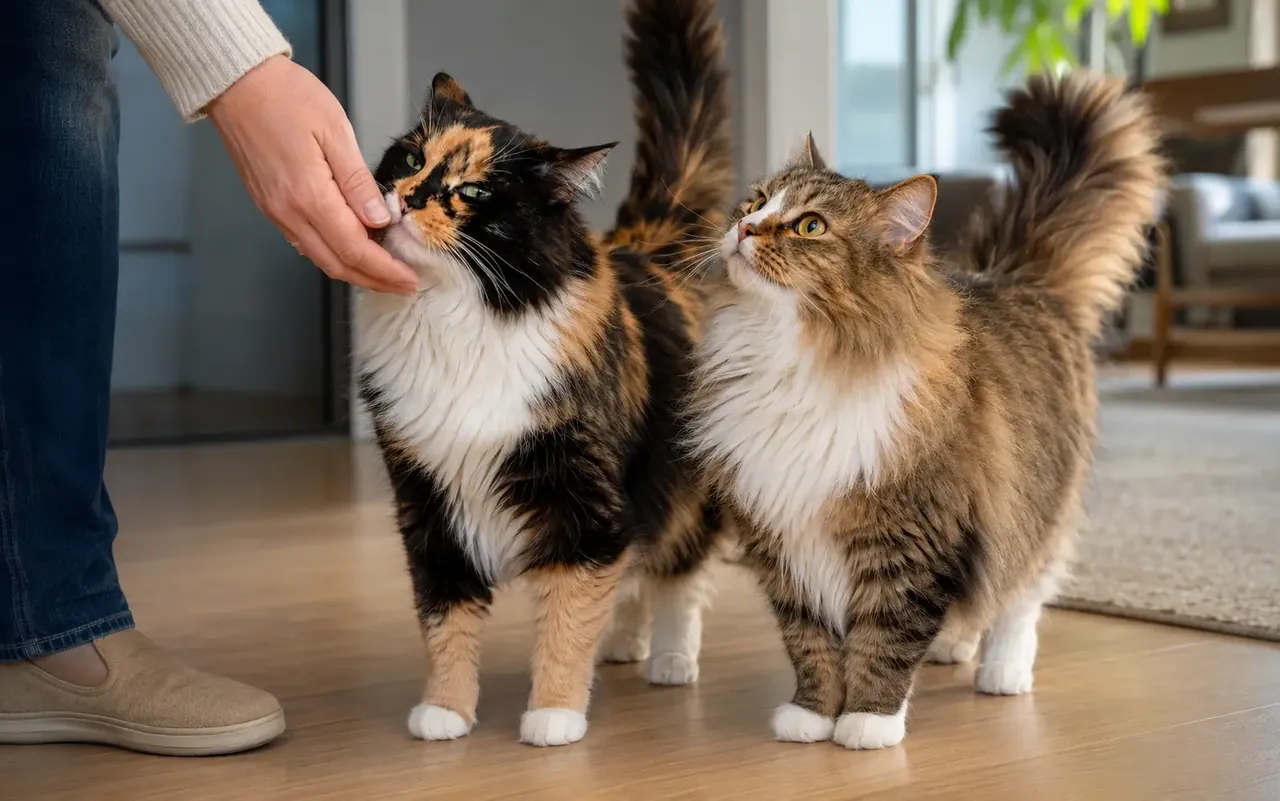
 Topic illustration selected for this guide. Some learning images may be AI-assisted.
Why your cat sits on your laptop — the quick answer
✓ It is warm, elevated and placed in the center of your attention. The location may be more valuable than the machine itself.
✓ Put a premium mat or box beside the computer and reward it before work. Add a short play session before long calls.
✓ Read the complete body and setting
✓ Extreme new heat-seeking paired with weight, appetite or activity change should be discussed with a veterinarian.
The laptop opens and your cat immediately turns the keyboard into a bed. It is warm, elevated and placed in the center of your attention. The location may be more valuable than the machine itself. This guide helps you read the moment, protect the relationship and choose a response that works for the cat as well as the household.
Why the laptop wins
A warm raised rectangle beside moving hands can be more valuable than an ordinary bed. Sitting on it may bring proximity and a predictable human response. The location and outcome usually explain more than the idea that a cat is jealous of work.
Protect heat and ventilation
Close or move the computer when the cat approaches, keep vents uncovered and never let a cat sleep on a running device that feels hot. A laptop can overheat, and a cat can be burned or startled by fans, movement or a closing screen.
Create a better workstation seat
Place a stable box, mat or gently warm cat bed beside the screen but away from cables and hot equipment. Reward that position before work begins. A short play session can help before a long period when your attention will be elsewhere.
Keep electricity and small parts safe
Use cord covers, disconnect damaged chargers and store adapters, earphones and detachable parts. If a live cable is chewed, cut power only when safe and seek urgent veterinary advice; burns may be hidden inside the mouth.
Check unusual heat-seeking
A sudden constant need for warmth can accompany discomfort, low body condition or illness. Discuss it with a veterinarian when it appears with weight, appetite, activity, coat or temperature-tolerance changes. Weakness, breathing trouble or electrical injury is urgent.
Your quick checklist
Loading saved progress…
Three simple things you can do
You do not have to change everything today. Pick one step that feels realistic, try it and see how your cat responds.
- 1Observe your cat’s individual baseline.
- 2Make one gentle change at a time.
- 3Ask a qualified professional when health or safety is involved.
Common mistakes
×Waiting for a dramatic symptom instead of noticing smaller changes from the cat’s normal routine.
×Changing several things at once, making it difficult to learn what actually helped.
×Treating general guidance as a substitute for advice from a veterinarian who knows the individual cat.
Questions cat people ask
Does every cat follow the same rule?+
No. Age, health, history, temperament and environment all change what works for an individual.
When should I seek professional help?+
Seek veterinary advice for sudden, persistent or concerning changes and urgent help for breathing difficulty, collapse, seizures, poisoning or urinary obstruction signs.
Still looking for the right answer?
Search the full EverYes Cats encyclopedia with your own words — a symptom, food, behaviour, breed or everyday question.
Checked, dated and transparent
- Prepared by
- EverYes Cats editorial team
- Last updated
- Source checked
- Primary reference
- FelineVMA: Healthy feline environment ↗
We begin with the named reference, rewrite the information in plain language and add practical cat-parent steps. Urgent health statements are checked against veterinary sources. This guide has not been individually reviewed by a veterinarian unless explicitly stated. It provides education, not diagnosis or treatment.
How we choose and use sources →
Spotted something unclear or outdated? Tell us so we can review it.
Loading your saved choice…
A camera can change your posture, attention and the environment, so a cat that normally plays may pause when recording begins.
 01
 04
 05
 06